
Food Photo Nutrition Analysis: A Practical 2026 Guide

TL;DR:
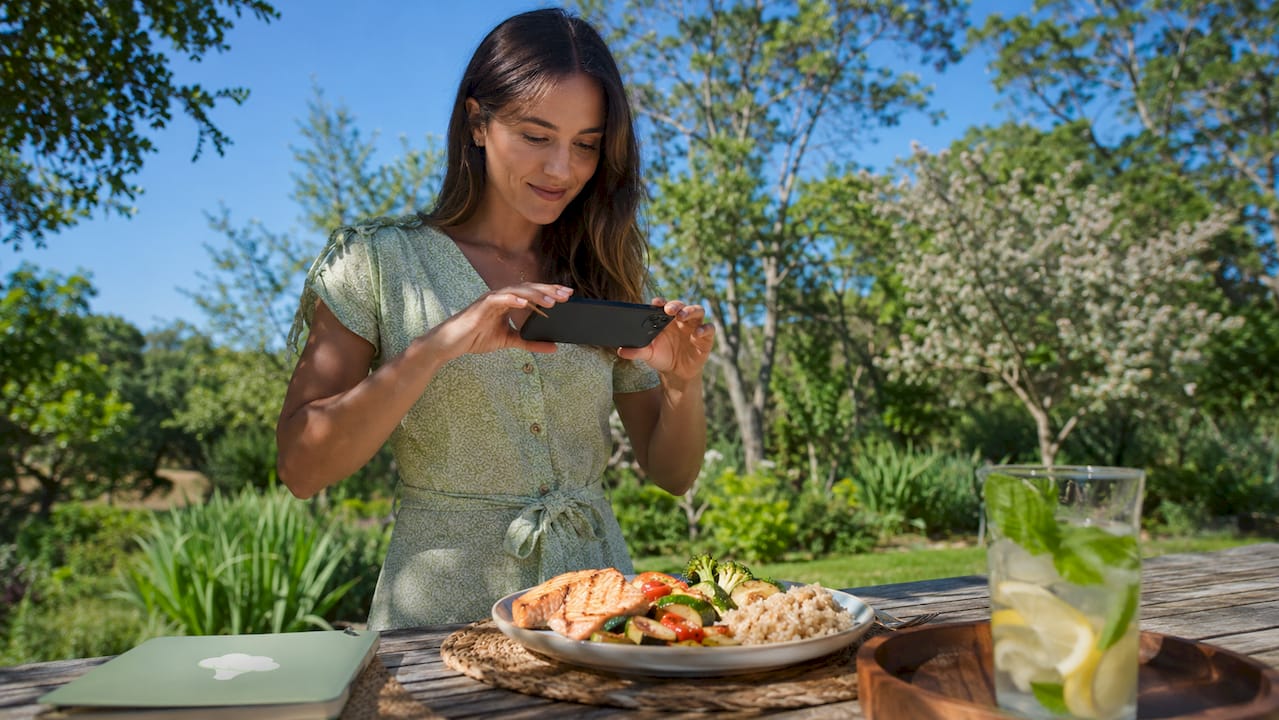
Food photo nutrition analysis uses AI to identify foods, estimate portions, and provide nutrient data from images. Proper photography with natural light, a 45-degree angle, and reference objects improves accuracy, while manual corrections enhance results. The AI pipeline involves detection, segmentation, volume estimation, and nutrient mapping, with trend tracking over time offering meaningful insights.
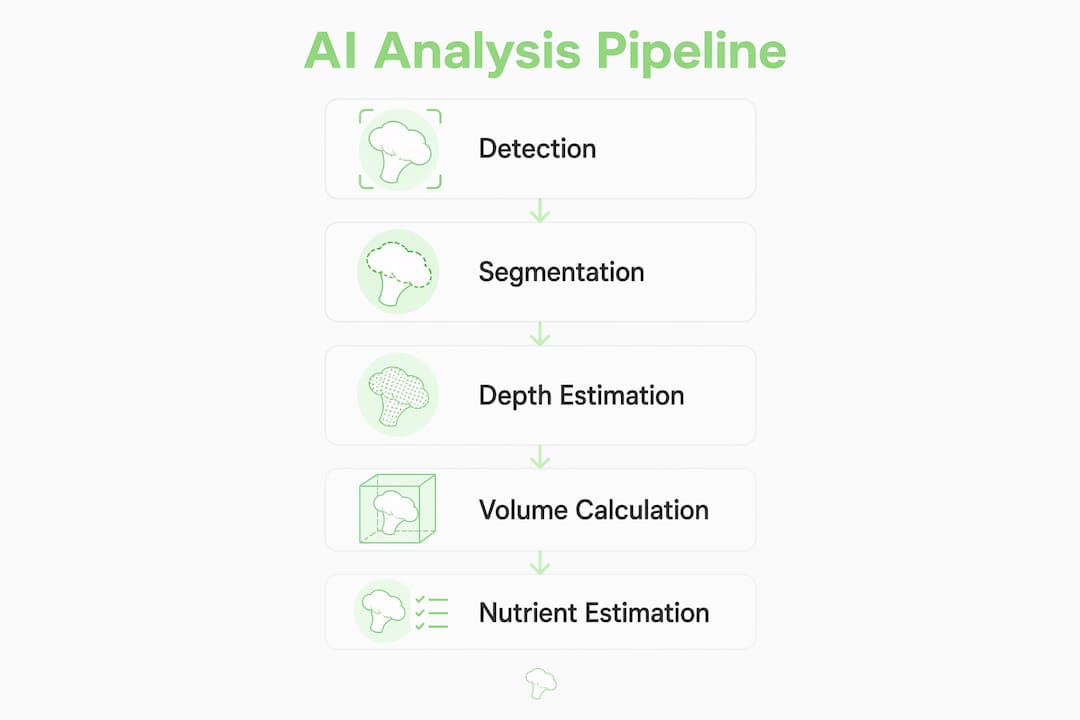
Food photo nutrition analysis is the process of assessing the nutrient content of a meal by capturing an image and running it through an AI-powered recognition and estimation pipeline. This guide to food photo nutrition analysis covers everything you need: how to photograph your meals for maximum accuracy, how the AI pipeline works, and how to read the results without getting lost in the numbers. The industry standard pipeline moves through five stages: detection, segmentation, portion estimation, nutrient mapping, and personalization. Tools like Bimiapp apply this pipeline with USDA FoodData Central as the underlying nutrient database. Getting the photography right is the first and most controllable variable in the entire process.
How to take effective food photos for accurate nutritional analysis
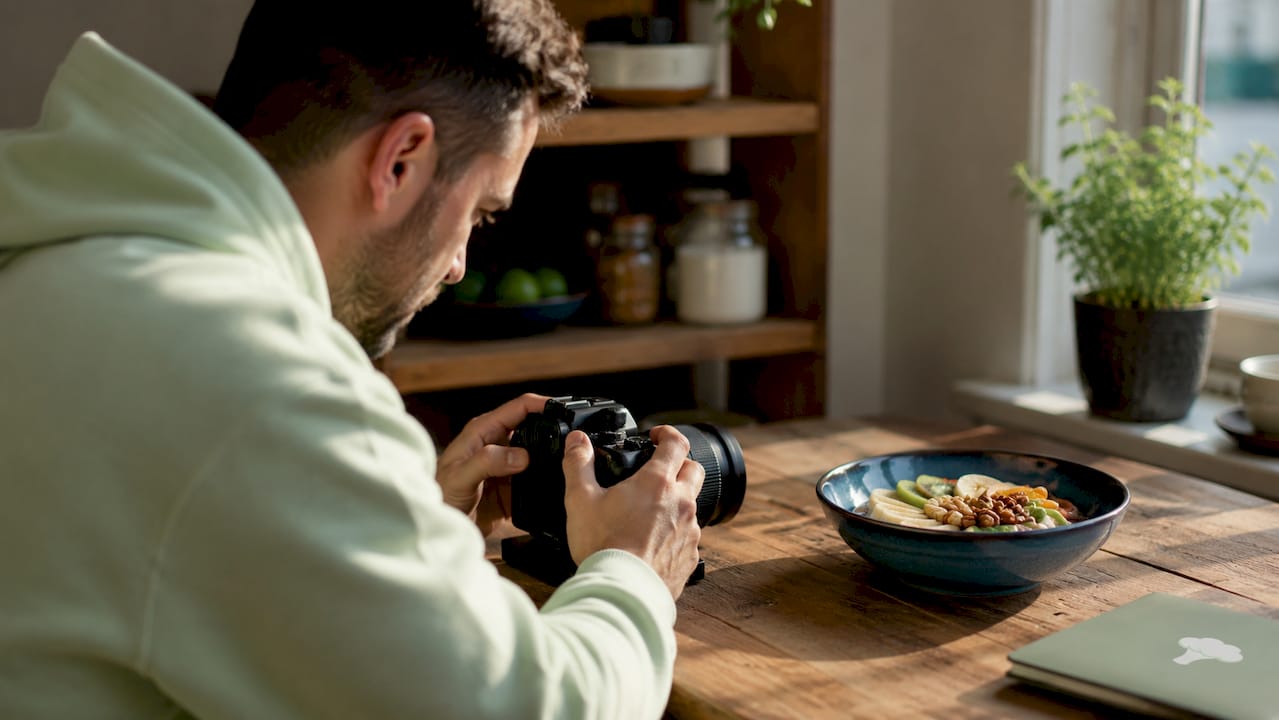
Good food photography is not about aesthetics. It is about giving the AI enough visual data to identify each food item, estimate its volume, and map it to a nutrient profile.
1. Use indirect natural light
Indirect natural light is the single best light source for food photo analysis. Position your plate near a window, but keep direct sunlight off the food. Camera flash washes out textures and creates harsh shadows that confuse AI segmentation models. Flat, even light lets the AI read surface detail and depth cues accurately.
2. Shoot at a 45-degree angle
A 45-degree photo angle captures both the top surface and the sides of each food item. That combination gives the AI the depth information it needs for volume estimation. A straight overhead shot misses height entirely. A straight-on shot misses the top surface. The 45-degree angle is the practical middle ground.
3. Include a reference object
Place a fork, a credit card, or a standard dinner plate in the frame. Reference objects with known dimensions give the AI a geometric anchor. Without one, the system estimates size relative to other items in the frame, which introduces error. A fork is the easiest option because it is already on the table.
4. Spread food out on the plate
Overlapping foods cause occlusion errors. When one item covers another, the AI estimates the hidden volume probabilistically rather than measuring it directly. Spreading food items on the plate before photographing reduces this risk significantly. Think of it as plating for the camera, not for presentation.
Pro Tip: Set up a consistent photo spot at your dining table, near a window, with a fork always in frame. Repeating the same setup each meal removes lighting and scale variables from your results.
Common mistakes that reduce analysis accuracy include:
Photographing food still in pots or pans, where depth is hard to read
Partial plates where food is cut off at the frame edge
Dark backgrounds that blend with dark foods like beans or chocolate
Blurry images from moving the phone while shooting
What happens inside the AI food photo analysis pipeline?
The AI does not simply “look” at your photo and return a calorie count. It runs your image through a structured sequence of steps, each building on the last.
Pipeline stage | Purpose | Key challenge |
Detection | Identifies that food is present in the image | Distinguishing food from non-food objects |
Segmentation | Draws a per-pixel mask around each food item | Handling overlapping or touching foods |
Portion estimation | Converts pixel volume to physical mass | Irregular shapes and dense foods |
Nutrient mapping | Matches identified foods to a database | Incomplete micronutrient data for mixed dishes |
Personalization | Adjusts targets to your age, weight, and activity | Requires accurate user profile inputs |
Image segmentation isolates each food item on the plate at the pixel level. That mask is the foundation for every calculation that follows. If segmentation is wrong, the portion estimate is wrong, and the calorie count is wrong.
Monocular depth technology is the most significant advance in volume estimation since 2024. It infers three-dimensional depth from a single two-dimensional image, which means you do not need a special camera or a depth sensor. The AI reconstructs the shape of your food from shading, perspective, and reference object size.
Once the AI has a volume estimate, it converts that volume to mass using density assumptions for each food type. Mass then maps to calories and macronutrients through a database like USDA FoodData Central. The nutrient database quality matters more than the AI vision at this stage. A perfectly identified portion of a complex mixed dish may still return incomplete micronutrient data if the database entry lacks that detail.
Pro Tip: Understanding the pipeline tells you exactly where to intervene. If the AI misidentifies a food, correct it at the detection stage. If the portion looks off, adjust the mass estimate manually. Each correction improves the final nutrient output.
How to interpret the nutritional results from your food photos
The numbers the AI returns are estimates, not lab measurements. Treating them as estimates is not a weakness. Photo-based dietary assessment reduces the burden of traditional 24-hour recalls while still improving tracking consistency over time. The goal is a reliable pattern, not a perfect single reading.
Macronutrients vs. micronutrients
Macronutrient results (calories, protein, carbohydrates, fat) are generally the most reliable output from photo analysis. Databases like USDA FoodData Central carry strong macro data for most whole foods. Micronutrient results (vitamins, minerals, amino acids) are less consistent, especially for mixed dishes or restaurant meals where exact ingredients are unknown. Use macro data for daily tracking and treat micronutrient data as directional rather than definitive.
When to manually correct the AI
Manual correction of portion estimates by 10–20% is typical for dense or irregular foods like grain bowls, casseroles, or layered dishes. The AI handles uniform foods like a chicken breast or an apple with high confidence. Complex dishes require your input. Most photo analysis tools, including Bimiapp, prompt you to review and adjust portion sizes before saving a meal log. Accept those prompts. They are the human-in-the-loop step that makes the data usable.
Common interpretation challenges and how to handle them:
Misidentified food: Tap to correct the food name before saving. The nutrient profile updates automatically.
Portion looks too large or small: Adjust the gram weight manually using the edit field.
Mixed dish with unknown ingredients: Log the dish as a whole entry and note it as an estimate in your records.
Missing micronutrient data: Check a nutrient tracking resource for the specific nutrient and add it manually if needed.
Repeated photo logging builds a trend picture that is far more useful than any single precise measurement. Consistent meal logging over weeks reveals patterns in your intake that one-off measurements cannot show.
Common mistakes in food photo nutrition analysis and how to avoid them
Most accuracy problems in photo nutrition analysis trace back to a small set of repeatable errors. Fixing them does not require technical knowledge. It requires a consistent habit.
Occlusion from overlapping foods. When foods stack or touch, the AI estimates the hidden volume. Spread items apart before shooting. This single change improves segmentation confidence more than any other adjustment.
Flash photography. Camera flash flattens texture and creates blown-out highlights. The AI reads texture to distinguish food types. Flat lighting removes that signal. Use a window instead.
No reference object in frame. Without a known size anchor, the AI scales food relative to the plate. If the plate size is unknown, the mass estimate drifts. A fork costs you nothing to include.
Partial or cluttered plates. Plates where food runs off the edge or is buried under garnish give the AI incomplete data. Tidy the plate before shooting.
Ignoring correction prompts. Most photo analysis tools flag low-confidence identifications and ask you to confirm. Skipping those prompts locks in the AI’s best guess rather than the correct answer.
Pro Tip: Before each meal, take 10 seconds to spread the food, place a fork in frame, and check your light source. Build it into your routine the same way you check your phone before leaving the house. Consistency in photo style produces consistency in data quality.
You can find a full breakdown of best practices for food photography in the context of diet tracking, including how small setup changes affect long-term data reliability.
Key Takeaways
Accurate food photo nutrition analysis depends on photo quality, AI pipeline understanding, and consistent manual correction rather than any single tool or technique.
Point | Details |
Photo quality drives accuracy | Use indirect natural light, a 45-degree angle, and a reference object in every shot. |
The pipeline has five stages | Detection, segmentation, portion estimation, nutrient mapping, and personalization each affect the final result. |
Macros are more reliable than micros | Macro data from photo analysis is consistent; micronutrient data for mixed dishes needs manual verification. |
Correct the AI’s estimates | Adjust portion sizes by 10–20% for dense or irregular foods to improve nutrient accuracy. |
Consistency beats precision | Regular photo logging builds a trend picture that single precise measurements cannot provide. |
Why I think most people are using photo nutrition analysis wrong
Most people treat photo nutrition analysis like a scale. They expect a single photo to return a precise, trustworthy number. When the calorie count looks off, they lose confidence in the whole system and stop logging.
That is the wrong frame entirely. The value of photo logging is not in any individual reading. It is in the pattern that emerges after 30 or 60 days of consistent data. A reading that is 15% off on a Tuesday does not matter if your weekly average is tracking correctly. The main limitation in photo-based analysis is database depth, not AI vision. The AI is already good enough. The nutrient data behind it is the variable.
What I have found works best is treating the photo as a first draft and the manual correction step as the edit. You shoot, the AI generates a draft, and you spend 20 seconds fixing anything obvious. That workflow produces data you can actually trust over time. Skipping the edit step is like publishing a first draft without reading it.
The advance in monocular depth technology since 2024 has genuinely changed what is possible with a single phone camera. Volume estimation that required specialized hardware two years ago now runs on the same device you use to text. That shift matters for everyday users. You do not need a lab setup. You need a window, a fork, and the habit of correcting the AI when it guesses wrong.
Tools like Bimiapp make this workflow practical by tracking over 60 nutrients and prompting corrections at the right moments. The technology is ready. The limiting factor is user behavior, specifically the habit of consistent, corrected photo logging rather than sporadic, unchecked snapshots.
— Alvi
Bimiapp makes food photo nutrition analysis practical
Bimiapp applies the full five-stage AI pipeline to every meal photo you capture, from detection through personalized nutrient targets based on your age, weight, BMI, and activity level.

The platform tracks over 60 nutrients, including amino acids, vitamins, minerals, and fatty acids, going well beyond basic macro counts. The Meals Vault stores your meal history locally so you can review trends and generate reports on your intake over time. Every log includes a correction prompt, so you stay in control of the data quality. If you want a practical nutrition tracking system built around photo analysis, Bimiapp gives you the tools to build that habit without needing a nutrition degree to interpret the results.
FAQ
What is food photo nutrition analysis?
Food photo nutrition analysis is the process of using AI to identify foods in an image, estimate their portion sizes, and return a nutrient breakdown. The AI runs through detection, segmentation, portion estimation, and nutrient mapping stages to produce the result.
How accurate is photo-based nutrition analysis?
Photo analysis produces estimates, not lab measurements. Macronutrient data is generally reliable for whole foods, while micronutrient data for complex dishes can be incomplete. Manual correction of portion estimates by 10–20% is typical for dense or irregular foods.
What is the best angle for a food photo?
A 45-degree angle is the recommended standard for food image evaluation. It captures both the top surface and the sides of each food item, giving the AI the depth information needed for accurate volume estimation.
Why should I include a reference object in my food photo?
A reference object with known dimensions, such as a fork or credit card, gives the AI a size anchor. Without it, the system estimates food mass relative to other items in the frame, which reduces portion accuracy.
How does Bimiapp use food photos for nutrition tracking?
Bimiapp applies an AI pipeline to each food photo to identify items, estimate portions, and map results to a database of over 60 nutrients. The platform adjusts nutrient targets to your personal metrics and stores meal data for trend analysis over time.
Recommended
Comments