
Top 4 Nutimi.com Alternatives for 2026


Finding a nutrition tracking app that offers detailed nutrient data and fast meal logging without complexity is a challenge. Many apps restrict advanced nutrient tracking or lock photo logging and full reports behind paid tiers and unclear pricing. You can match feature depth, device sync, and privacy practices across four nutrition tracking apps to pick the right balance for your health goals.
Table of Contents
Bimi
At a Glance
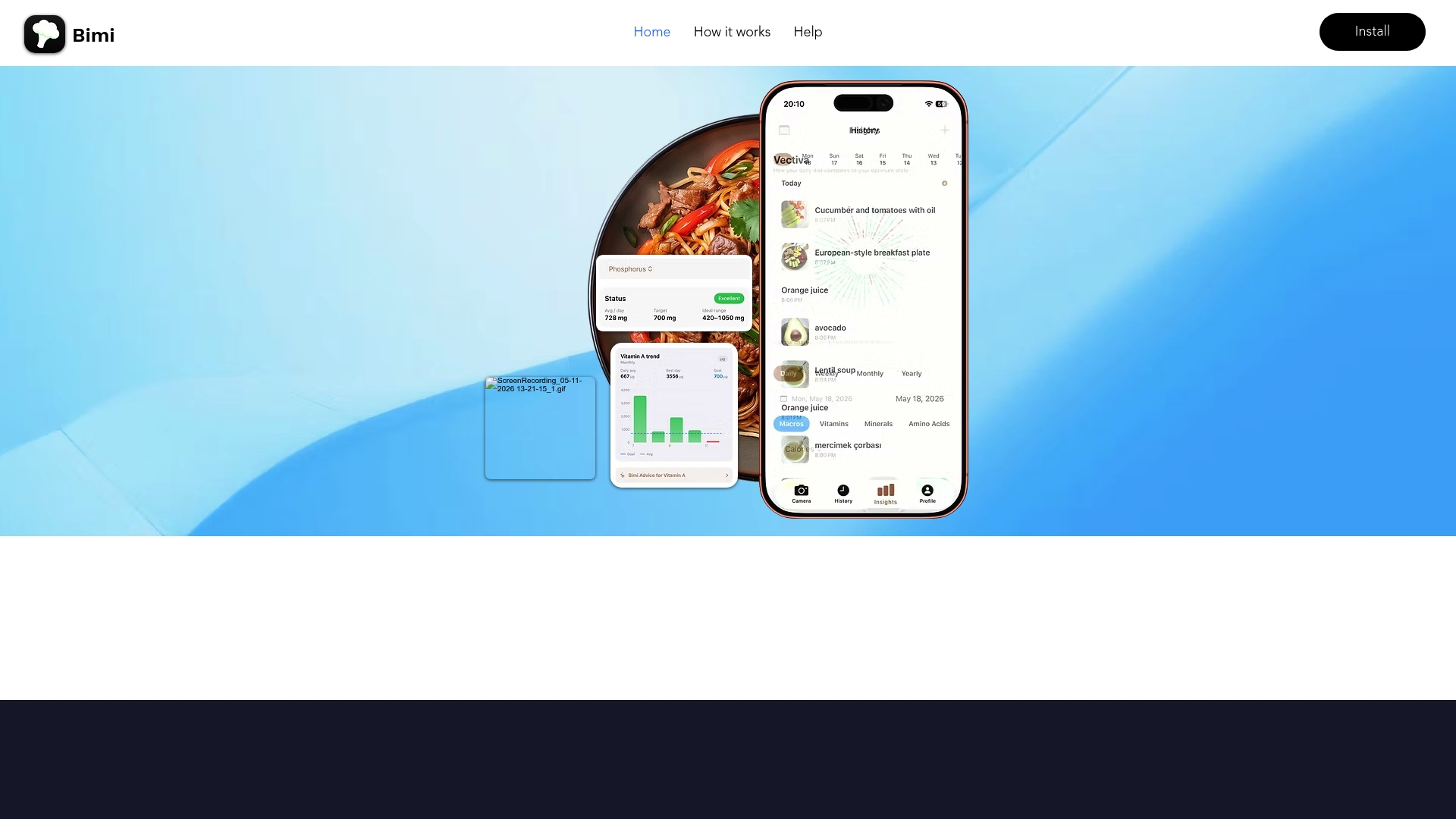
Bimi reports food recognition accuracy of under 99%. The app tracks over 60 nutrients, including amino acids, vitamins, minerals, and fatty acids. It uses photo analysis and an AI chat to give tailored nutrient recommendations and quick meal logging.
Core Features
Bimi pairs AI-powered food recognition with portion estimation to convert meal photos into nutrient data. The app produces personalized nutrient recommendations using profile metrics such as age, weight, BMI, and activity level. Meal data is stored locally in the Meals Vault so you can review trends and generate reports on your eating habits.
Key Differentiator
The standout feature is the photo-first workflow for logging meals. That accuracy claim speeds logging and reduces manual entry when you take meal photos. Rapid recognition makes nutrient-level feedback immediate. For people who log many meals each week, that speed changes how often they capture intake.
Pros
Bimi covers detailed nutrients beyond macros, tracking amino acids and fatty acids as well as vitamins and minerals. Personalized recommendations tie results to your age, weight, BMI, and activity level so advice fits your profile. Local storage in the Meals Vault supports trend review and report export, and the AI chat helps troubleshoot entries or suggest dietary adjustments.
Cons
The site lacks detailed pricing and full feature pages, so subscription costs and some feature specifics are unclear.
Who It’s For
Bimi fits health conscious people who want nutrient level detail rather than just calories. It suits users who prefer photographing meals to manual entry and those tracking specific nutrients for health goals. It also helps people who want tailored guidance that factors in BMI and activity level.
Unique Value Proposition
The Meals Vault stores meals locally and makes trend analysis simple and private. Local storage lets you keep full meal histories without sending every entry to a cloud service. That setup pairs with fast photo recognition to keep logging quick while giving long term nutrient reports.
Real World Use Case
You photograph a lunch plate and Bimi identifies ingredients and estimates portions. The app calculates nutrient totals across amino acids, fats, vitamins, and minerals. It then offers recommendation tweaks based on your age, weight, BMI, and activity level and saves the meal in the Meals Vault for later trend review.
Pricing
Pricing is not publicly listed on the site. The product page labels pricing as not available and presents the app as informational only. Contacting the vendor is necessary to learn subscription tiers or trial options.
Website: https://bimiapp.info
Cronometer
At a Glance
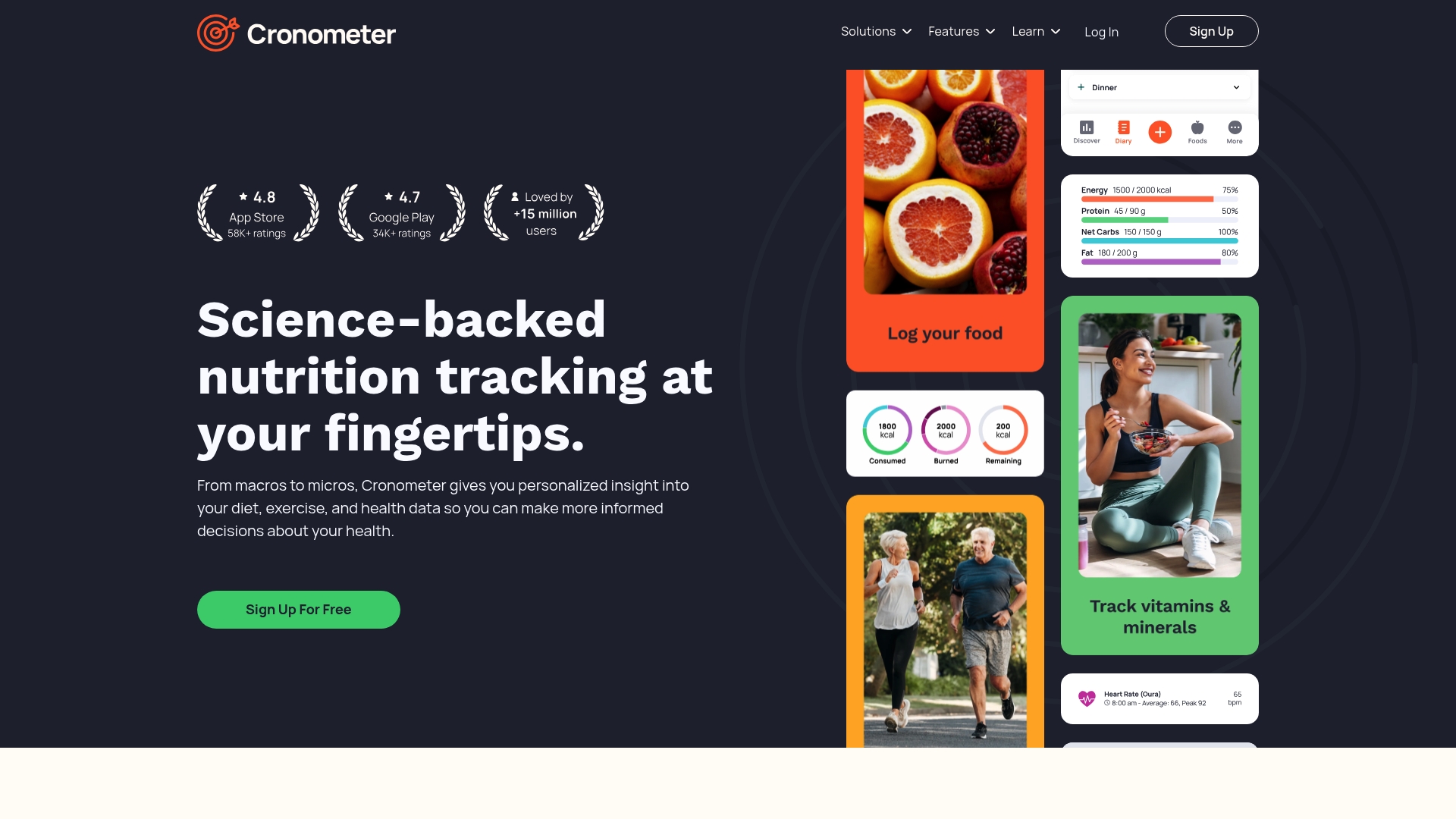
Cronometer reports it tracks over 95 nutrients. This includes macronutrients and detailed micronutrients pulled from lab analyzed sources. That depth helps you spot vitamin and mineral gaps that simple trackers miss.
Core Features
Cronometer uses a lab analyzed database to deliver vetted nutrition facts and supports multiple diet plans such as keto, vegan, and intermittent fasting. The app logs meals quickly, estimates portions from photos, and produces detailed charts and reports for trends and progress. It also syncs across devices so fitness and sleep metrics join your nutrient picture.
Key Differentiator
Cronometer focuses on lab verified micronutrient data and keeps privacy protections in place. That emphasis on verified nutrient values and secure data handling separates it from general calorie counters.
Pros
The database supplies verified nutritional data that helps you track vitamins and minerals beyond macros. The depth in micronutrient tracking makes it useful for clinicians and researchers as well as people managing personal health. Cross platform availability on iOS, Android, and web plus device sync reduces manual entry and keeps trends intact.
Cons
Premium features require a paid subscription, so free access stays limited to basic tracking.
Advanced analysis tools can feel complex for casual users who want quick logging only.
Some useful functions are locked behind Gold membership which adds recurring cost.
When It May Not Fit
You should avoid Cronometer if you only want a minimal food diary with no learning curve. Teams that need collaborative client portals for large practices may find the interface single user oriented. People who need full offline capability will be disappointed because syncing and device integrations require internet access.
Notable Integrations
Cronometer connects with common health platforms and wearables. Supported integrations include Apple Health, Google Fit, Fitbit, Withings, and Oura Ring. These links let you combine activity and sleep data with nutrient intake.
Who It’s For
The product fits health conscious individuals who want lab level nutrient detail and professionals who monitor clients. Dietitians and researchers benefit from the micronutrient focus and exportable reports. Casual calorie counters who want a zero learning curve may prefer a simpler app.
Real World Use Case
A dietitian uses Cronometer Pro to import a client food log, check micronutrient intake, and flag deficiencies. The dietitian exports a report and adjusts meal plans to increase specific vitamins and minerals. The client then tracks progress week to week in the same account.
Pricing
Cronometer is free to start with core tracking features included. The vendor offers a Gold subscription for additional analysis tools and advanced reports.
Website: https://cronometer.com
MyNetDiary
At a Glance
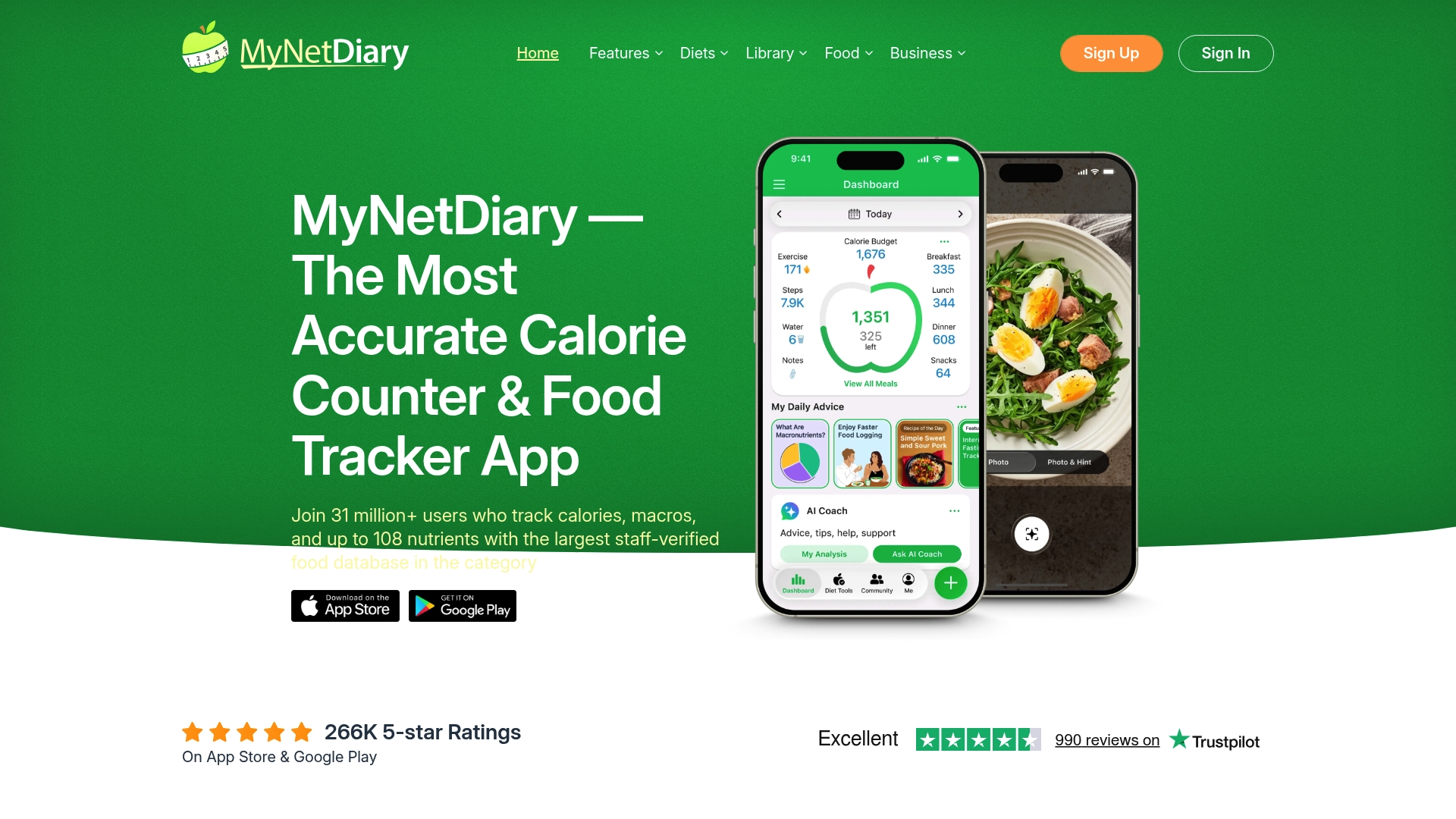
Tracks up to 108 nutrients per food item, a level of micronutrient detail few calorie counters offer. The app uses a large staff verified food database that the vendor lists at more than 2 million foods. MyNetDiary reports over 31 million users worldwide. That user figure appears on the vendor site and signals broad adoption.
Core Features
MyNetDiary combines a staff verified food database with fast logging tools such as a free barcode scanner, a food diary, and macro and water tracking. It offers AI powered photo and voice food identification to speed entry and personalized meal plans and recipes tailored for Keto or GLP 1 use. The app syncs with phones, watches, and fitness devices to consolidate activity and nutrition data in one place.
Key Differentiator
The product centers on research grade nutrient depth paired with AI powered logging. Tracking up to 108 nutrients per item lets you check amino acids, vitamins, minerals, and fatty acids alongside calories. The AI photo and voice tools reduce manual entry time while preserving that detailed nutrient profile.
Pros
MyNetDiary draws on USDA and NCC sources for food data, which supports more accurate nutrient values than many crowd sourced databases. The free tier includes core tracking features without ads, so you can log meals and track macros at no cost. Logging feels faster than many rivals thanks to photo recognition and the barcode scanner. Device support covers iOS, Android, Apple Watch, and Wear OS so activity syncs with nutrition automatically. The app also offers meal plans and coaching features aimed at people using GLP 1 medications or following specific diets.
Cons
Advanced reports and interface customization require a paid upgrade, so deep analysis is behind a paywall.
Some third party integrations need extra setup or offer limited data compared with other trackers.
In depth nutrient tracking can overwhelm casual users who only want simple calorie estimates.
Premium features like the AI coaching tools are part of paid plans and are not available on the free tier.
When It May Not Fit
If you only want a light calorie counter with minimal detail, the app may feel too granular. People who expect full advanced reporting without a subscription will find limits. Teams or clinicians seeking broad third party connectivity for automated workflows may prefer a tracker with different integration options. Casual users can find the nutrient lists dense and time consuming.
Notable Integrations
Apple Health
Google Fit
Garmin
Fitbit
Withings
Apple Watch
Health Connect
Who It’s For
The app suits people who need accurate, research grade nutrition tracking for health or weight goals. It fits dieters who want micronutrient visibility and those managing medical conditions such as diabetes or GLP 1 therapy. Device users who want automatic sync from watches and fitness trackers will get the most value.
Real World Use Case
You log meals with a photo and the app identifies the food, then adds a precise nutrient breakdown to your diary. You watch protein, vitamin, and mineral trends across weeks to see where you fall short. If you take GLP 1 medication, you use the meal plans and notes to track symptoms, adherence, and suggest meal adjustments.
Pricing
A fully functional free tier covers basic logging, barcode scanning, and device sync. Paid tiers called Premium and Premium Plus unlock detailed reports, customization, and advanced coaching features. The vendor lists those paid options without disclosing specific prices on the product data here.
Website: https://mynetdiary.com
Eat Beat Food & Calorie Tracker App
At a Glance
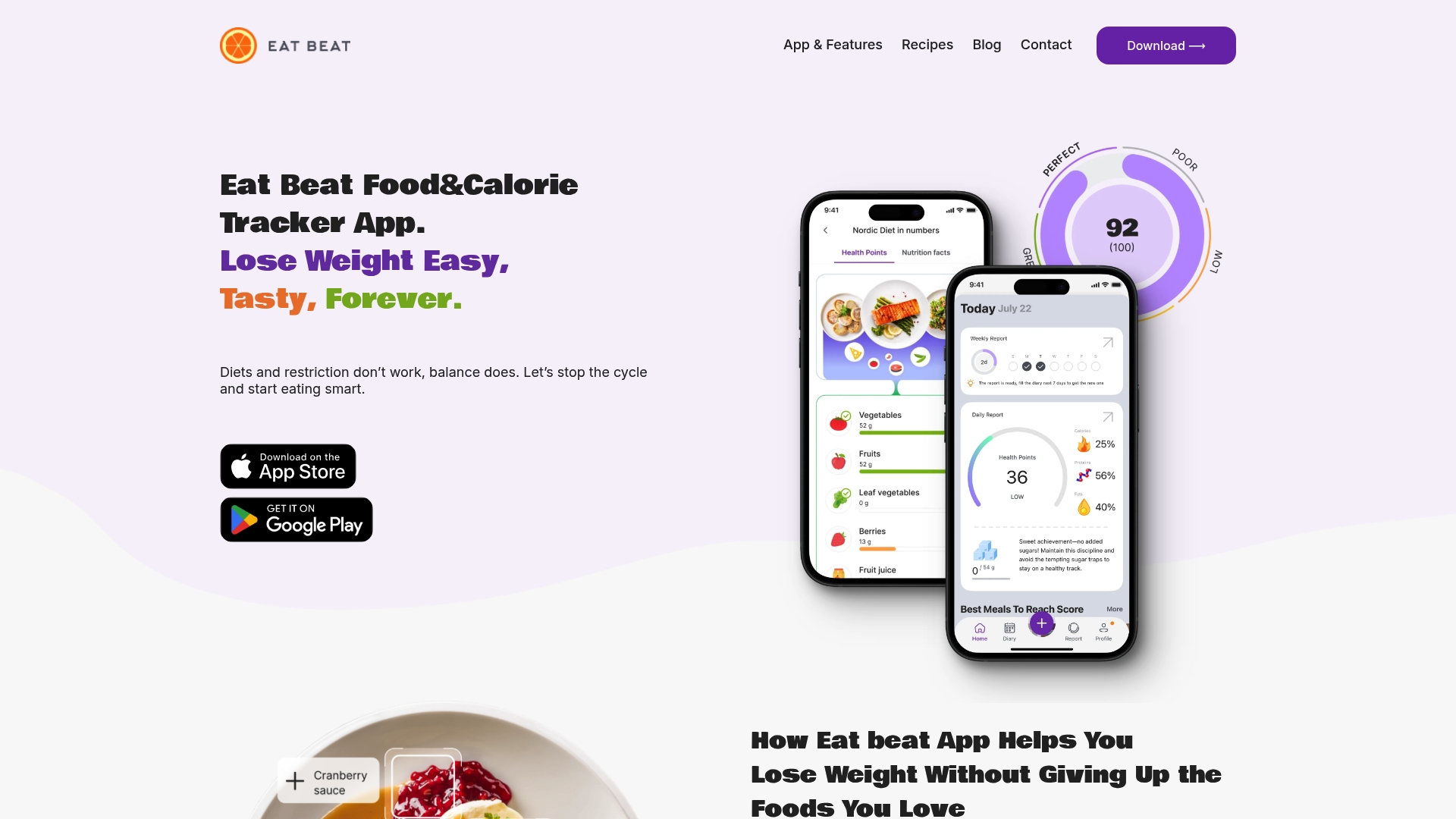
Tracks 13+ nutrients including fiber, sugar, fats, vitamins, and antioxidants. The app pairs that nutrient view with photo recognition and barcode scanning. It aims to help weight loss through balanced eating based on Nordic nutrition principles.
Core Features
Eat Beat records more than a dozen nutrients and shows them alongside meal suggestions tailored to your age, weight, and activity level. It uses AI for real time food recognition from photos and barcodes and applies a simple health points system so you do not need to count calories. Adaptive suggestions rebalance meals on the fly without strict bans or rigid plans.
Key Differentiator
Eat Beat centers its recommendations on Nordic Nutrition Recommendations while tracking multiple micronutrients, not just macros. That focus lets the app nudge portion and ingredient choices to improve nutrient balance. The result is a weight loss approach built around small changes and food flexibility rather than elimination.
Pros
The app follows a science backed approach based on Nordic guidelines, which helps prioritize vitamins, fiber, and antioxidants alongside daily eating. The interface encourages eating your favorite foods, using a no calorie counting points system that reduces decision fatigue. Personalized meal suggestions and photo recognition make daily tracking quick, and the product includes real user success stories showing lasting habit change.
Cons
Some users prefer strict meal plans or precise calorie and macro tracking, which Eat Beat does not emphasize.
The system relies on user input and photo recognition, and accuracy can vary with lighting and complex dishes.
The app asks about allergies but lists limited detail on which specific dietary restrictions it accommodates.
When It May Not Fit
Choose another tool if you need exact calorie logs or advanced macro breakdowns for clinical or athletic goals. The photo recognition workflow may slow you if you prefer purely manual entry or bulk logging. Users who require documented medical nutrition therapy details might find the guidance too general.
Who It’s For
People who want steady weight loss without restrictive dieting and who value nutrient balance over calorie math. Busy professionals who need fast, tailored meal suggestions will find the photo and barcode workflows useful. Those curious about Nordic nutrition principles will appreciate its dietary framing.
Real World Use Case
A busy professional photographs lunch and gets an on screen suggestion to add fiber and reduce sugar for balance. The app updates a daily health points score and offers a simple swap to improve the meal. Over weeks, the user shifts meal choices while still enjoying familiar foods.
Pricing
Free to start with a 7-day trial for premium features. The vendor advertises discounts after completing the onboarding quiz. Paid tiers unlock full personalized recommendations and extended tracking features.
Website: https://eatbeat.ai
Comparison of alternatives
When selecting a nutrition tracking tool, features such as nutrient detail, personalized recommendations, and usability impact the decision-making process. Each reviewed app offers its distinct advantages, appealing to varying user preferences and needs.
Nutrient tracking and data completeness
Cronometer excels in this aspect by offering lab-verified micronutrient data from an analyzed database, surpassing the accuracy and verification levels of several competitors. MyNetDiary follows closely, providing research-grade nutrient data and an extensive food database that covers over 108 nutrients per item. On the other hand, Eat Beat focuses on a simplified nutrient model based on a Nordic nutrition framework. Bimi stands out for its detailed nutrient tracking across over 60 metrics using photo-based meal recognition linked to user profile specifics such as BMI and activity level.
Usability and feature implementation
Bimi prioritizes a photo-first workflow for meal logging, enabling users to swiftly document and analyze their meals. This contrasts with Cronometer and MyNetDiary’s reliance on manual and barcode logging as primary methods, which might not be as quick. Meanwhile, Eat Beat offers a unique point-based system for meal suggestions, which simplifies tracking for those who prefer an organic approach.
Best fit
Those desiring efficient meal photo-based logging with AI support and private, localized storage for trend tracking will value Bimi.
For users who require lab-verified data with extensive nutrient detail for clinical or professional purposes, Cronometer is the preferred option.
Those focusing on highly detailed nutrient tracking in both food components and integrated health metrics may benefit from MyNetDiary.
Individuals seeking a no-pressure approach to weight management grounded in Nordic nutrition principles may find Eat Beat most suitable.
Our pick
Given all considerations, for users who desire precise and efficient meal photo analysis, nutrient reporting, and privacy through localized storage, Bimi emerges as the ideal choice. However, those who prioritize integrated clinical-level nutrient tracking or unique dietary frameworks like Nordic principles might explore Cronometer or Eat Beat respectively.
Fast recognition and accurate nutrient tracking lead the comparison.
Product | Primary Use Case | Key Differentiator | Best For | Pricing | Limitation |
Bimiapp | Nutrition analysis via AI | Photo-first meal logging | Health-conscious individuals | Price not published | Subscription costs and features are not clearly defined. |
Cronometer | Detailed micronutrient tracking | Lab-verified nutritional data | Dietitians and health professionals | Free with Gold subscription for premium | Advanced analysis tools feel complex for casual user scenarios. |
MyNetDiary | Comprehensive food tracking | Accurate nutrient detail and AI logging | Weight management for diverse health goals | Free, Premium tiers available | Advanced features are part of paid plans only. |
Eat Beat | Weight management with balanced eating | Nordic nutrition-based points system | Busy professionals seeking simple diets | Free trial, paid tiers available | Limited support for detailed dietary restriction and medical logging. |
Finding the Right Nutimi.com Alternatives for Detailed Nutrition Tracking
Tracking over 60 nutrients and getting personalized insights based on your age, weight, BMI, and activity level can be difficult with many diet apps. Many people want more than just calorie counting or macro data. Bimiapp offers a solution that focuses on in-depth nutrient analysis with AI photo recognition, letting you quickly capture meals and estimate portions without manual entry.
• Log meals with photos and get fast nutrient feedback • Store your meals locally in the Meals Vault for privacy and trend review • Receive tailored nutrition suggestions matching your health profile
Explore Bimiapp’s main site to learn how it fits health conscious people seeking a detailed and personalized nutrient tracker. Capture your meal’s nutrient profile and track your progress with ease.
FAQ
How does Bimiapp track nutrients besides macros?
Bimiapp tracks nutrients beyond macros by calculating levels of amino acids, fatty acids, vitamins, and minerals. It utilizes photo analysis and provides tailored recommendations based on user profiles, including age, weight, BMI, and activity level. This makes it a solid choice for those wanting detailed nutrient insights.
What is the difference between Bimiapp and Cronometer?
Cronometer boasts a lab-analyzed database of over 95 nutrients, providing verified nutritional data ideal for professionals and detailed analysis. Bimiapp excels in quick photo-based food logging, making it a better fit for users who prefer immediate nutrient feedback without extensive manual entry.
Which platform offers more personalized meal recommendations?
Bimiapp generates personalized nutrient recommendations based on individual profile metrics like age, weight, BMI, and activity level. This tailored approach allows it to adapt to specific dietary needs, unlike some competitors that lack such depth.
Can I trust the data privacy with these nutrition tracking apps?
Bimiapp stores meal data locally in the Meals Vault, ensuring that your information is kept private and not sent to a cloud service. This feature gives you control over your meal history while still allowing for trend analysis.
How does the photo recognition speed compare between Bimiapp and MyNetDiary?
Bimiapp has a photo-first workflow for logging meals, enabling rapid recognition that reduces manual entry time compared to MyNetDiary. With this speed, users can log meals more frequently and effectively monitor their nutrient intake.
Recommended
Comments